

Did you know that people like you and me are more at risk of a cyberattack than large organizations, such as banks?
Why?
Because such institutions usually take extreme security measures to protect every bit of their data. On the other hand, a person like me might not even think twice before clicking on a suspicious link, let alone taking measures to protect my data (y mucho menos tomar medidas para proteger mis datos).
I hate to admit it, but we are sitting ducks for cybercriminals. According to Kaspersky, 2.8 million smartphones were targeted every month in 2024. And, I believe it’s no big deal for a hacker to attack and install malware, spyware, or a trojan on our smartphones, especially when they’re unprotected (especialmente cuando están desprotegidos).
However, the good news is that it doesn’t take much to protect our smartphones from viruses and malware. Starting with explaining how a virus generally sneaks into our devices, I’ll share some protective measures to counter such security threats.
So, let’s get started:
How Does a Virus Enter Our Smartphone?
Generally, there are several openings for a virus to enter our smartphones. While there’s no doubt that the technology has helped us in different ways, it has also benefited hackers. Today, hackers can carry out their malicious activities in a more sophisticated manner.
Below are some common ways a virus enters our smartphones:
- Clicking on a spammy email or a link
- Installing a third-party application
- Connecting to an insecure internet connection
- Visiting malicious websites or clicking on malvertisements
How To Stop Viruses From Entering Our Smartphones?
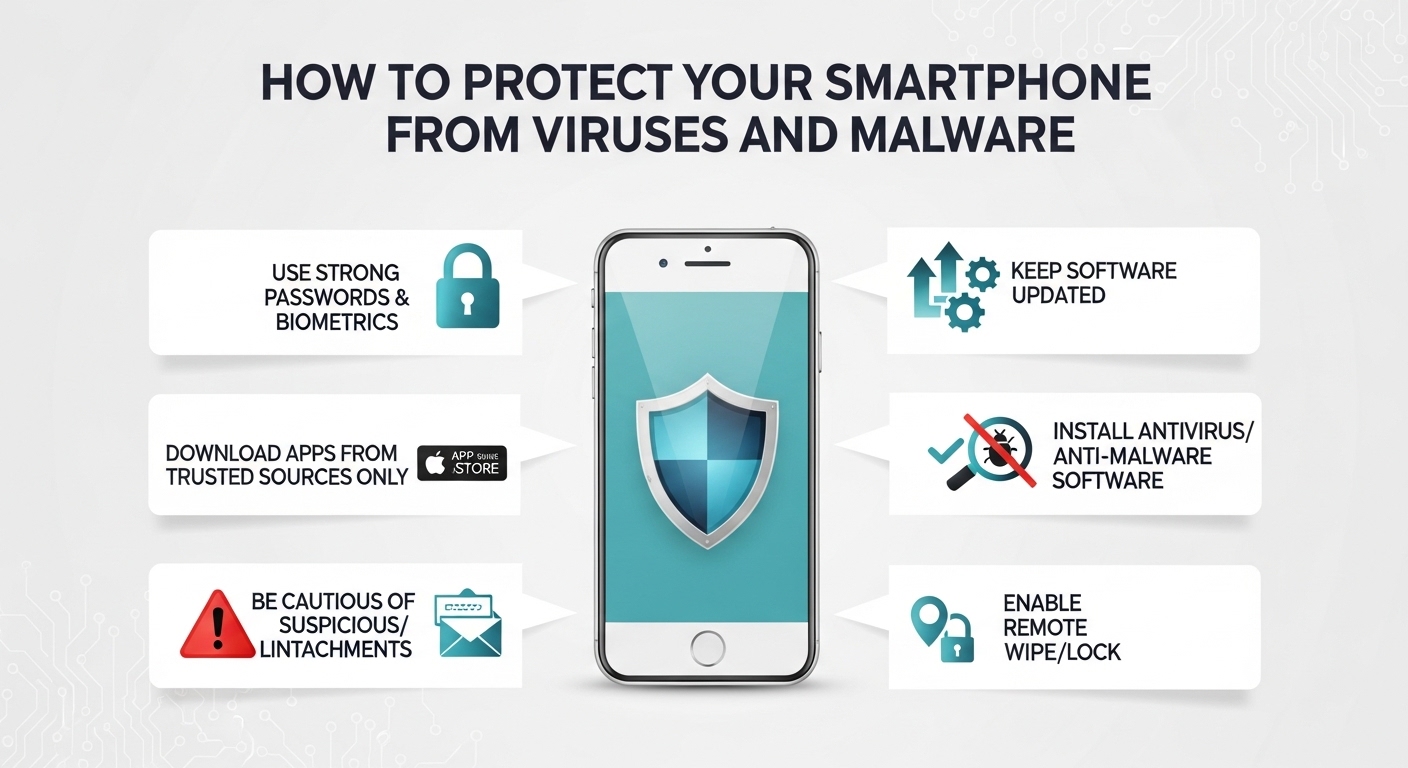
There are several ways to stop hackers in their tracks. Below, I’ll explain multiple security measures you can take to protect your smartphones:
· Never Connect to a Public WiFi
Do you believe public WiFi is free? Technically, it’s free because you don’t pay for it. But there’s a dark side to it, and you might end up paying for it with your sensitive data.
Public WiFi is an open network, and anyone can access it, including cybercriminals. Now, there’s no way for you to identify a malicious public WiFi network. So, considering the risks involved, I don’t believe it’s a bright idea to connect to a public WiFi (No creo que sea una buena idea conectarse a una red WiFi pública).
Now, instead of connecting to a public WiFi, let me explain some secure and faster options you have:
You can use your mobile hotspot or carry a portable hotspot device. However, these options may cost you, especially if you frequently require internet outside of your home.
Here, what you can do is to subscribe to an internet service provider (ISP) that offers free hotspot zones. I’ve subscribed to Cox Internet, a blazing-fast and affordable connection, and use its countrywide hotspot zones to stay connected. Also, at times when I can’t find the nearest hotspot zone, I call the reliable Cox servicio al cliente to find one for me.
So, that’s how I’ve replaced a public WiFi network with a more secure and faster option, and I suggest you do the same to protect your sensitive data.
· Connect to a VPN
It’s a misconception that only hackers use a virtual private network to conduct malicious activities. In my opinion, it’s a viable option to secure your smartphone from viruses and malware.
A VPN changes your device’s IP address and assigns it a fake one from its pool. By doing so, it makes it difficult for hackers to locate your device on the internet and install a virus on it.
Other than this, a VPN also creates a secure tunnel between its encrypted server and your smartphone. This way, the incoming and outgoing data from your device first goes through this encrypted server and then advances to its destination.
Having said that, different types of VPNs are available. But if you want top-notch security, invest in a paid VPN. Such VPNs offer faster servers and take extreme security measures to encrypt your data.
· Keep Your Smartphone Updated
You might know that our smartphones receive frequent updates. While I’m not a big fan of updating my phone’s interface now and then, it’s highly recommended to install those updates as soon as possible.
What most people don’t know is that these updates are rolled out by manufacturers to improve their devices’ security. Besides additional features, such as changes in the phone’s interface, these updates also contain security patches (Estas actualizaciones también contienen parches de seguridad).
Smartphone manufacturers constantly research and develop ways to counter security threats. And once they identify a loophole in the previous update or a robust measure to enhance smartphones’ security, they deploy it over such updates.
So, whenever you receive an update on your smartphone, install it as it’ll be for your good.
· Use a Reliable Anti-Virus Software
An antivirus tool is a good choice to secure your device from different threats. Essentially, an antivirus software scans for viruses and malware in your device. Such tools can effectively remove them as well and also notify you when a threat tries to enter your smartphone.
However, there’s one thing you should be careful of. Always invest in a paid antivirus tool. In my experience, most free antivirus software doesn’t offer a deep scan and might not detect all viruses or malware in our devices.
To wind up, never believe that you’re not a target for cybercriminals. In fact, people who don’t have any security measures in place might be easier prey for hackers. So, understand how a virus enters your smartphone, and take extreme measures to protect it and ward off cybercriminals successfully.
 Brendly French